What mass reactions do
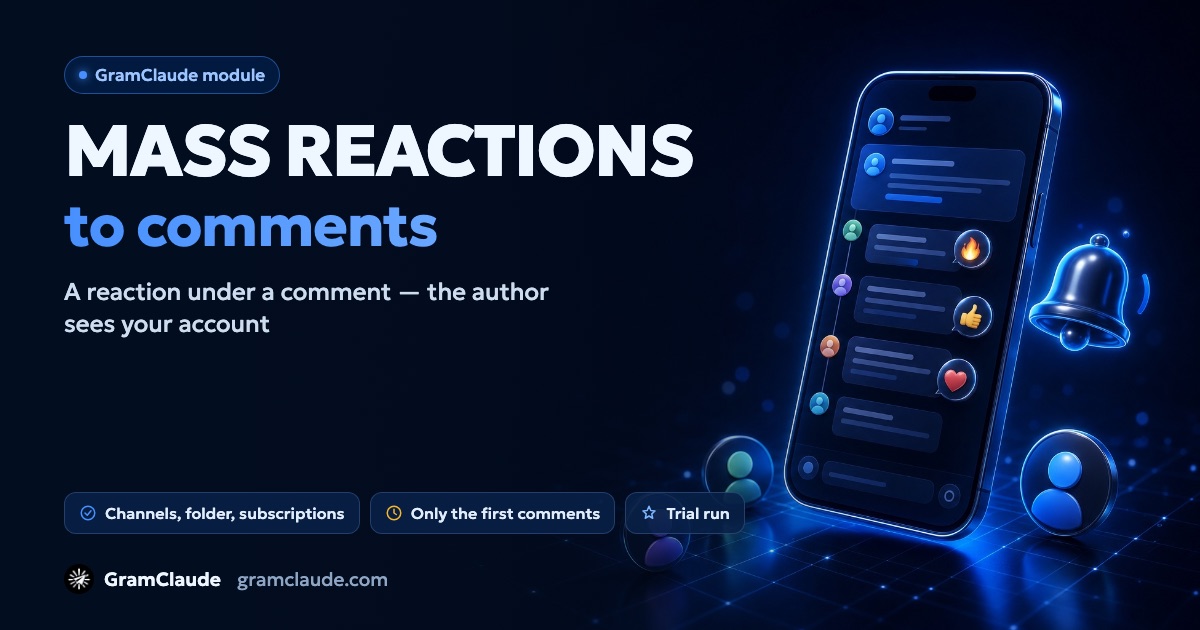
The module reacts to a comment left by a real person in a channel's discussion or in a chat — on behalf of your accounts. The author gets a notification, opens it, sees who reacted and may open the profile. That's where your link is — to a channel, a bot or an offer.
It's a soft way to get noticed: the account doesn't message anyone. So a lot depends on the profile — name, avatar and bio. How to prepare accounts before launch — see the page on warm-up.
Why a comment and not a post
A reaction under a post notifies nobody: a post has no author to receive a notification, and among a hundred other reactions nobody will spot yours. A reaction under a comment is seen by the person who wrote it.
For the same reason the module only reacts to the first comments under a post — the ones Telegram shows straight away. A reaction to a comment hidden behind "show more" uses the account's limit but is hardly noticed.
Where comments come from
- channels and posts — @usernames, t.me links or single posts, one per line;
- a folder — a t.me/addlist/… link;
- the account's subscriptions — each account reacts where it's already subscribed.
New comments mode watches fresh posts and reacts to what was just written — for that the account joins the discussion. Already written goes through existing comments and can work without joining.
The scraper helps you find channels in your niche — by keyword or through similar channels.
Which reactions to use
You choose a set of emoji and the order: random or in turn. The module skips your own comments, bots' comments, comments deleted by the time of the reaction and those that already have many reactions from others — the threshold is set in the option to check other people's reactions.
Default settings
| Setting | Default |
|---|---|
| Which comments | new |
| How often posts are checked | every 2 minutes |
| No older than | 180 minutes |
| Reaction cap per campaign | 1000 |
| Reactions per account per day | 50 |
| Reactions on behalf of a channel | off |
| Working hours | off |
Limits and account safety
Reactions count towards the account's reaction limit and joins towards its join limit; both are shared by all modules. New accounts get reduced limits that grow over the first week. If joining isn't possible right now, the task is postponed rather than skipped.
Before reacting, the module rereads the comment and skips it if it's been deleted or is already popular. If a chat forbids writing or reacting, the chat moves to another account and is skipped after a second refusal. The module waits out FLOOD_WAIT, and frequent FLOOD_WAITs send the account into quarantine — more in the guide on FLOOD_WAIT.
The campaign stops by itself once the reaction cap is reached or the session time is up.
What the module doesn't do
- it doesn't react to channel posts — only to people's comments;
- it doesn't write messages and doesn't need a prompt;
- it doesn't promise profile visits: that's up to the person and what they find there;
- it can't promise reactions on behalf of a channel — Telegram doesn't allow that everywhere.
Telegram rules
Telegram may treat reactions that come too often from one account as spam, and people may report them. Pauses, limits and skipping popular comments lower the risk. What reports lead to and how to avoid them — see the guide on spam blocks.