What the channel grabber does
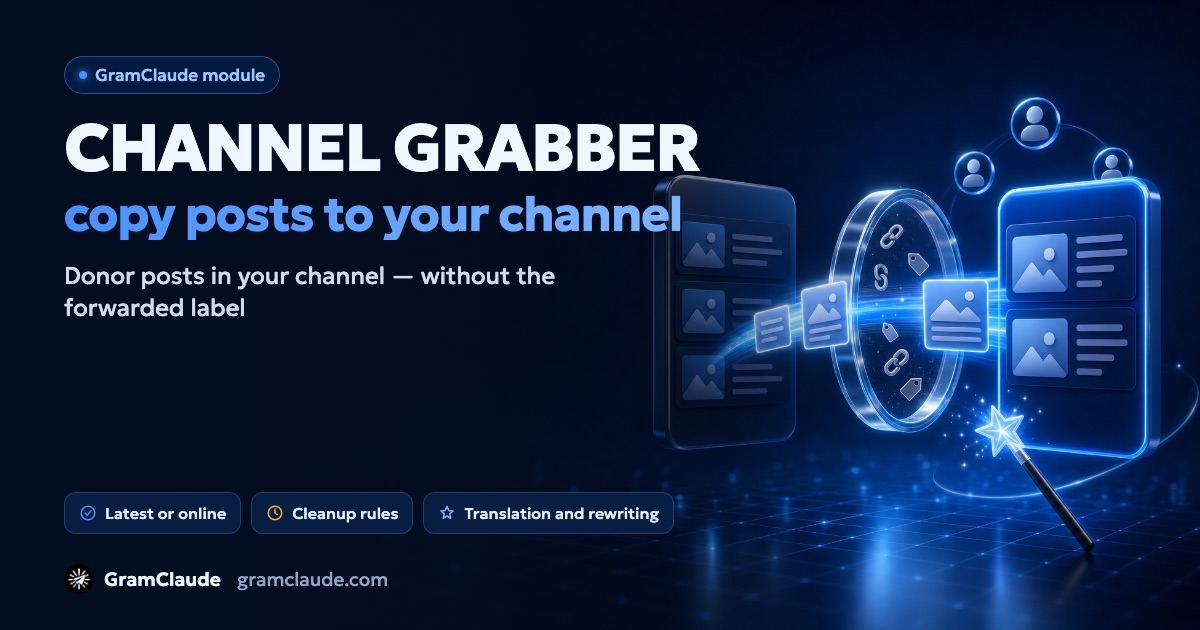
The module moves posts from donor channels into your channel. Your admin account publishes them, and each post is rebuilt from scratch: the text separately, the media downloaded and uploaded as a new file. That's why there's no forwarded-from header — subscribers see an ordinary post of your channel.
Each account → channel pair is a separate task: one channel can receive posts from several donors, and one account can run several channels.
Latest posts or online
- latest posts — the module takes a set number of a donor's recent posts, publishes them with pauses and finishes the task. It reads the history without joining the channel.
- online — the module follows donors and moves a new post right after it comes out. For this the account joins the donor channels.
What gets moved
Text, photos, videos, documents and albums — up to 10 media in one post. Under what we take you can keep only the types you need and set what to skip: posts with buttons (by default), reposts, posts from bots, posts that are too short. Channels with copy protection aren't taken by default.
The donor's formatting isn't carried over: only the text is published, and links hidden behind words are lost.
How the text is cleaned
Cleanup follows your rules under how we change:
- cleanup rules — remove links, mentions, emails, phone numbers and other pieces by pattern;
- replacements — swap a donor's word or link for your own;
- donor signature — remove a signature by sample, or the last line of the post;
- leave alone — fragments the cleanup should skip.
There are no rules by default, so the post goes out as is. Set them up before launch if you don't want to carry over other people's links.
AI editing
The model can retell a post in its own words or translate it. To do that, pick a prompt — there are several ready-made ones: your own voice, translation, shorter, business tone, lively speech. If the model doesn't respond, the original text is published after cleanup.
Default settings
| Setting | Default |
|---|---|
| Donors per pair | up to 25 |
| Latest posts | 20, up to 200 |
| Pause between posts | 90–300 seconds |
| Moderation | immediately, no approval |
| Posts with buttons | skipped |
| Cleanup rules | none |
| AI editing | off |
| Working hours | off |
The pause applies to moving the latest posts; in online mode a new post goes out straight away.
Limits and rights
Channel posts count towards the account's post limit. Once the limit is used up, the transfer stops. A pair can only use a channel where the account may publish — make it an admin in advance.
What the module doesn't do
- it doesn't remove ads and links by itself — only by your rules;
- by default it doesn't take channels with copy protection;
- it doesn't carry over the donor's buttons or formatting;
- there's no delayed start or trial run — moderation is the handy way to check posts.
Copyright
Other people's posts are other people's content. Move posts from your own channels or from authors who allow it. Channels that publish others' content without permission get reported, and Telegram may restrict them. More on how restrictions work — see the guide on Telegram limits.
You can bring an audience to a new channel with group broadcast or AI commenting.