What the module does
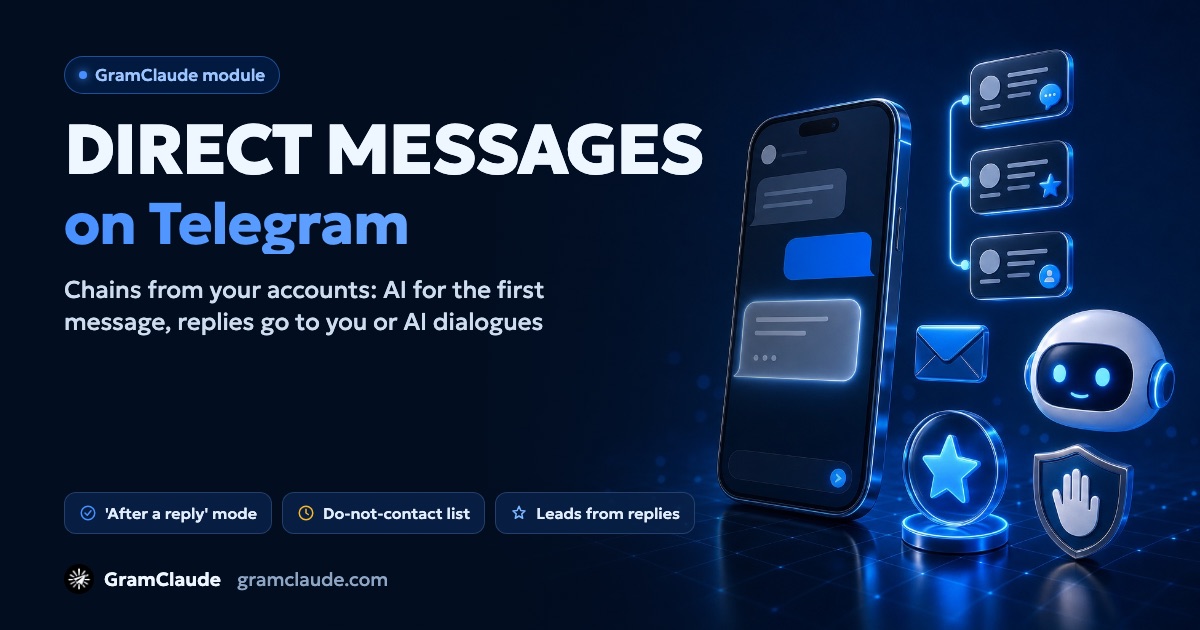
The direct messages module sends private Telegram messages from your accounts: a chain of messages whose first one an AI model can rewrite for each person. The module notices who replied, stops reminders and hands the conversation to you or to the AI auto-reply, and puts the most interested people on a lead list.
Who you should message
Telegram explicitly asks you to contact only people who expect messages from you — others report you, and reports lead to a spam block. Good recipients are people who left a request, subscribed, or wrote in a chat about their problem themselves.
Advertising also falls under laws: in Ukraine and Russia an advertising message may only be sent with the recipient's consent, and in Ukraine it must also be marked as commercial and offer a way to opt out. No tool, this one included, lifts those requirements from the sender.
Where recipients come from
- a list — @usernames, t.me links or numeric IDs;
- a saved base — from the scraper or a file import;
- account contacts — excluding bots, deleted profiles and your own accounts;
- a chat — the module collects the people who posted in it;
- a phone number — for example, from a request form: a contact is created only for the lookup and deleted right away, and the number is stored encrypted and never appears in the log or exports.
Each new person goes to the least busy account, and an account that has already written to someone continues that conversation itself.
What gets sent
- A chain — up to 20 messages of up to 4,096 characters, with a 5–10 second pause between them.
- Variations and placeholders —
{option|another option}, the recipient's name and username. - Media — photos, round videos, regular video, GIFs, voice notes, stickers and documents. If Telegram rejects an attachment, the message goes as text and the reason is logged.
- AI for the first message — the model rewrites only the first message for each person, and your text stays as the fallback. The model's output is checked: links mustn't be lost and no new facts may appear.
- A/B test — up to 4 versions of the first message; the module declares a winner only with a large enough sample.
Two modes: right away or after a reply
| Mode | How it works | When it fits |
|---|---|---|
| Direct | the person gets the whole chain in a row | the person already expects materials from you |
| After a reply | first a single greeting, the rest only if the person replied | a first contact: people who stay silent get nothing more |
People who didn't reply can get up to 3 reminders — 20 hours apart by default. A reply, a request not to write, or stopping the campaign ends the reminders.
When someone replies
This works in the "after a reply" mode — in direct mode a reply only stops reminders.
- What next — continue the chain, continue and hand over to AI dialogues, or hand over right away: then the model answers questions and you see the conversation in a shared inbox.
- Intents — with intent detection on, the module reads the reply: interested, question, not interested, asks not to write. A clear "don't write" or "stop" is recognized even without the model.
- Leads — the conversation is scored on the facts of the exchange, and hot — or warm and hot — ones go to the lead list automatically.
- Notifications — the first reply triggers a message in the bot and on the site; many replies are grouped into one message.
Who won't get a message
Before sending, the module filters out bots, deleted profiles, your own accounts, duplicates and anyone already contacted by any of your accounts. Then the lists apply:
- "Do not contact" — one list for all your accounts; people who asked not to be contacted land here, and you can remove someone by hand.
- Blocklist — closed direct messages, your account being blocked, a username that doesn't exist.
- Premium only — if someone accepts messages only from Premium accounts, they're skipped and the reason shows in the log.
Limits and stops
Direct messages have their own per-account limit — shared by every module that writes in DMs, and lower for a new account in its first days. On top of that is a campaign cap, 100 messages by default.
Stops kick in on their own:
- PEER_FLOOD — after two of these errors within 15 minutes, the account rests for an hour and the recipient goes back to the queue;
- 10 errors in a row caused by the account — the campaign pauses;
- a run of FLOOD_WAIT — the account pauses, see the FLOOD_WAIT guide.
If an account is already under a spam block, it can't message strangers — check its status before launch with the spam block guide.
What the module doesn't do
- No "delivered" or "read" stats — you get sent, errors, skips, replies and leads.
- No buttons — Telegram doesn't let them through in direct messages from regular accounts.
- No paying in Stars — if a recipient made messages from strangers paid, the module doesn't pay for them.
- No getting around Telegram's limits — neither text variations nor AI change how someone reacts to a message they didn't expect.