What the manager does
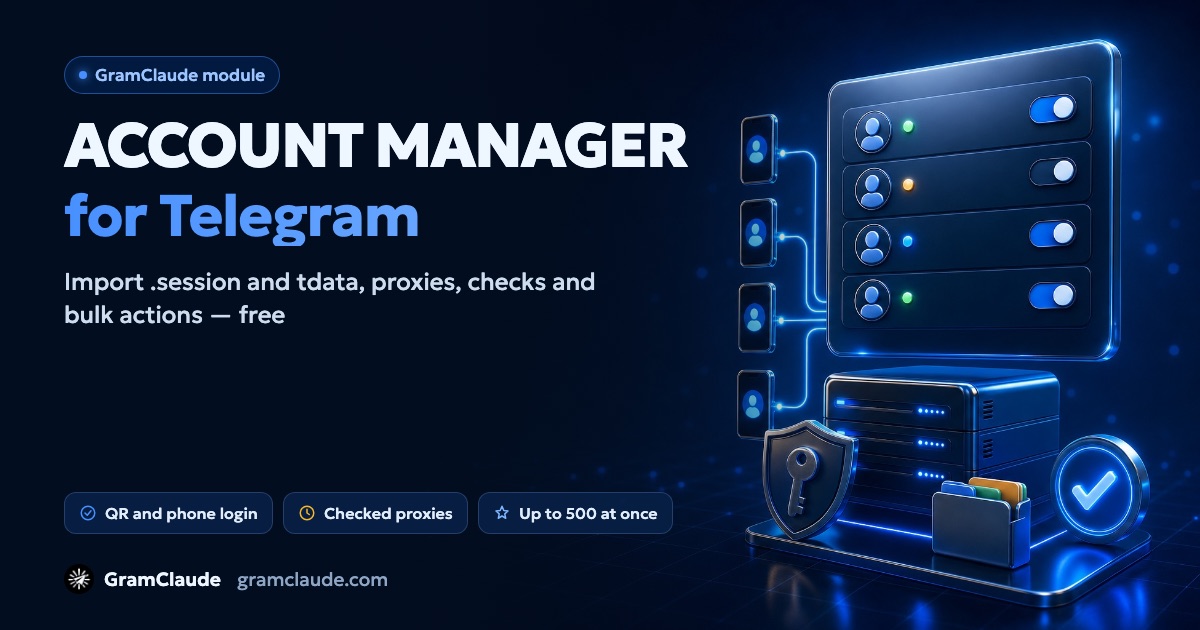
The account manager is the free part of GramClaude where everything starts: you add accounts, connect them to proxies, check them and sort them into groups. Paid modules — direct messages, the scraper, warm-up and others — take their accounts from here.
It all runs in the browser: there's no app to install and no computer to keep switched on.
How to add accounts
- Session files — Telethon
.sessionfiles with or without.json, up to 20 at a time; - tdata — a Telegram Desktop folder in a ZIP, passcode-protected ones included;
- phone login — the code from Telegram plus the cloud password, if one is set;
- QR login — scan the code with your phone, like in Telegram Desktop.
Every session is checked before saving: a dead one won't make it into the list, and a number that's already added won't be added twice. What tdata and .session files are, and why to treat them like passwords — see the separate guide.
Proxies
SOCKS5, HTTP and MTProto are supported — paste a whole list at once, tg://proxy links included. The check has two steps: first the connection, then a handshake with Telegram's servers; you see the latency and the reason if a proxy fails. Proxies are also rechecked automatically on a schedule.
You can hand proxies to accounts in rotation, at random or by country. For each account you can see whether the proxy's country matches the phone number's country, and which proxies in the pool would fit better. You decide how many accounts share one proxy — the panel won't exceed that number when assigning.
Account status
| Check | What it shows | How often |
|---|---|---|
| Health | whether the session is alive and the account isn't frozen | automatically about once a day, plus on demand |
| Spam block | @SpamBot's answer: free, limited until a date, or not | on demand, for many accounts at once |
| Survival score | a 0–100 score from profile, activity, restrictions, age, session and proxy | recalculated without calling Telegram |
| Survival rating | the account's chance to keep working for two more weeks, based on similar accounts | in the Survival section |
You can also appeal through @SpamBot — you write the text, the module just sends it the same way a person would. Statuses — active, needs re-login, banned, frozen — show in the table, and each account has an event log. What each status means is covered in the guides on spam blocks and getting logged out.
Groups, tags and roles
Accounts are sorted into groups and tags, and roles decide which modules may use an account: for example, scraping only, or "in reserve". You can create your own roles with a color and an icon.
Filters cover status, group, tag, proxy, role, warm-up, health, Premium, risk and account age. Deleted accounts stay in the trash for 14 days and can be restored.
Bulk actions
Every action runs on the selected accounts at once, up to 500 at a time:
- profile — names, bios, usernames and photos from templates and lists, with no repeats; AI can suggest profile drafts, which apply only after you confirm them;
- security — a separate cloud password for each account, ending other sessions, four privacy settings;
- housekeeping — leave chats, mark all as read, clear private chats, archive, folders;
- your own channel — create, pin, publish a post; stories;
- joining chats — with chats split between accounts and pauses in between.
Safe mode spreads out the start of bulk actions so accounts don't all begin at once. New accounts are worth warming up before real work.
Telegram Web in the panel
Any account can be opened in a tab, like Telegram's web version: chats, messages, files, leaving a chat. Messages sent there go through the same limits and land in the log.
Export and security
GramClaude connects to Telegram through the official API as a third-party client. Telegram states plainly that accounts in unofficial clients are automatically "put under observation" — so no manager, this one included, makes an account invulnerable: what the account does is what matters.
Sessions are stored encrypted: the web server can only encrypt a session, and only the worker process that connects to Telegram can decrypt it.
You can export accounts as .session with .json or as tdata — one by one or as an archive. Exporting asks for your cabinet password again, the file lives for three minutes and is served once, and the export itself is logged.
Pricing
The account manager is free and included in every plan, the free one too. The plan only decides how many accounts you can keep in the panel — see the pricing page.